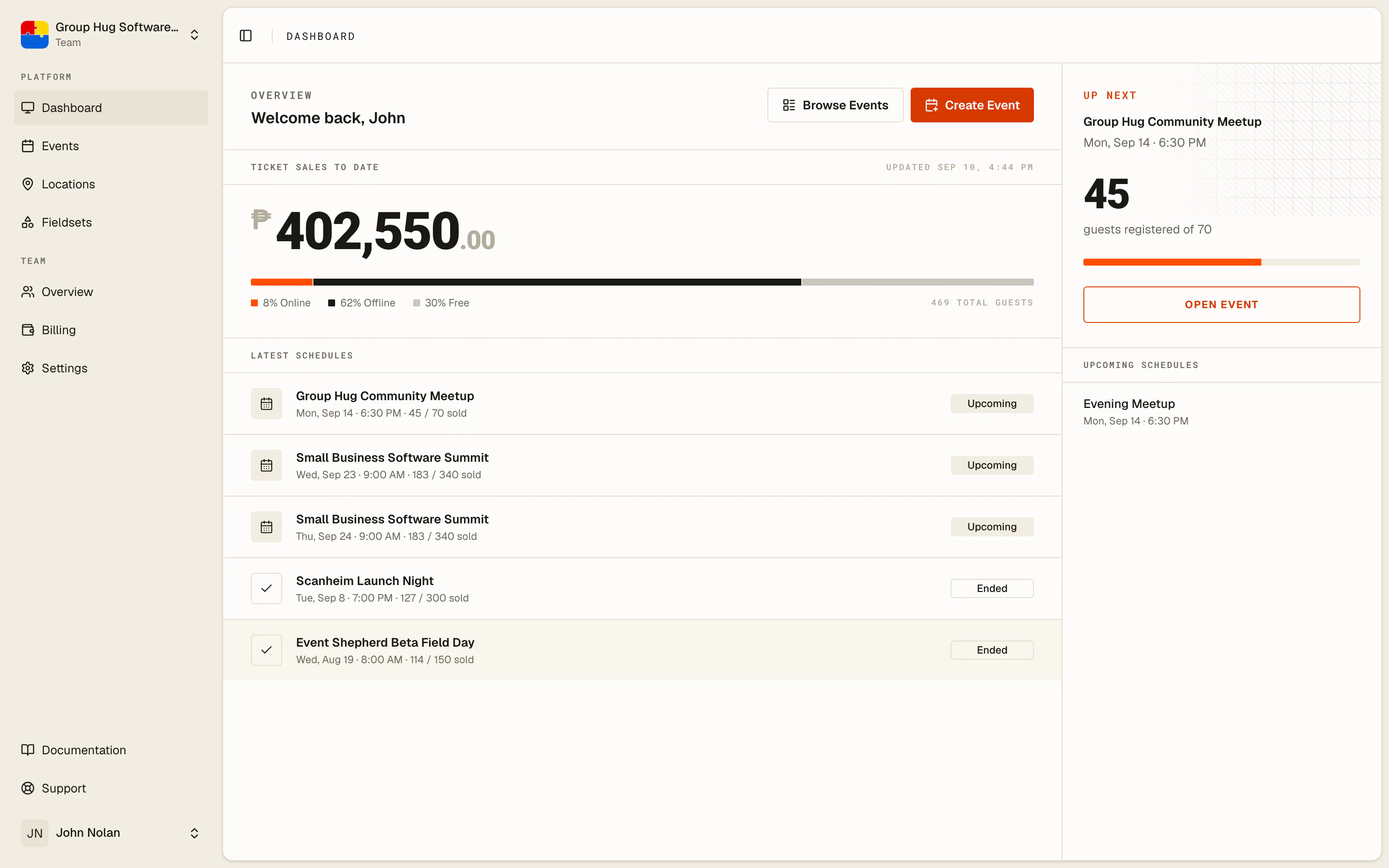
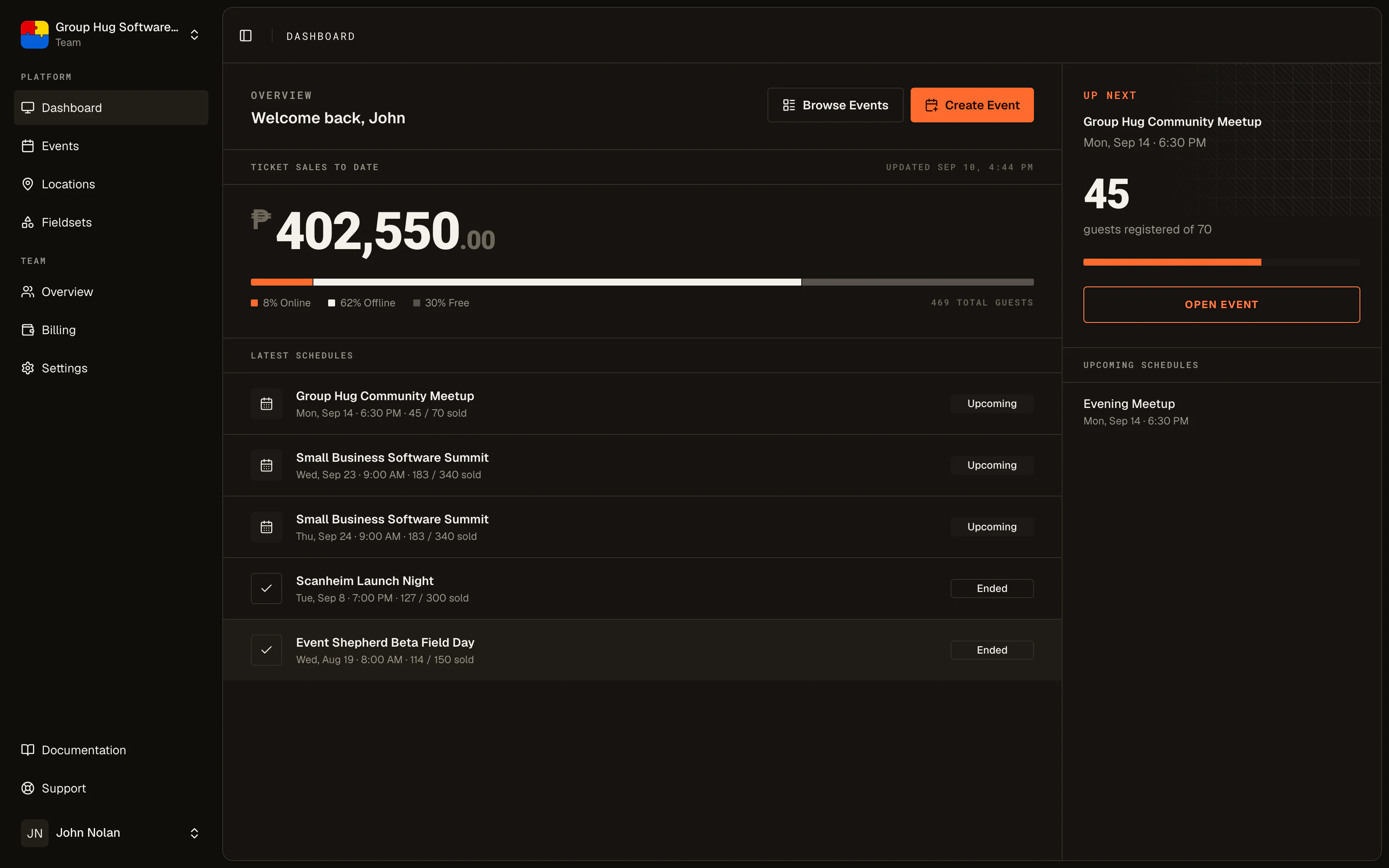
Full-stack event management.
Sell the ticket, check the guest in, and get paid, all in one system with no exports in between. Set up an event in the morning and take registrations the same afternoon.
Tickets that deliver themselves.
QR tickets land by email the moment someone registers. No app to install, no account for guests to create. Ticket tiers with per-tier limits, plus a free event website so you can sell without building one.
Learn more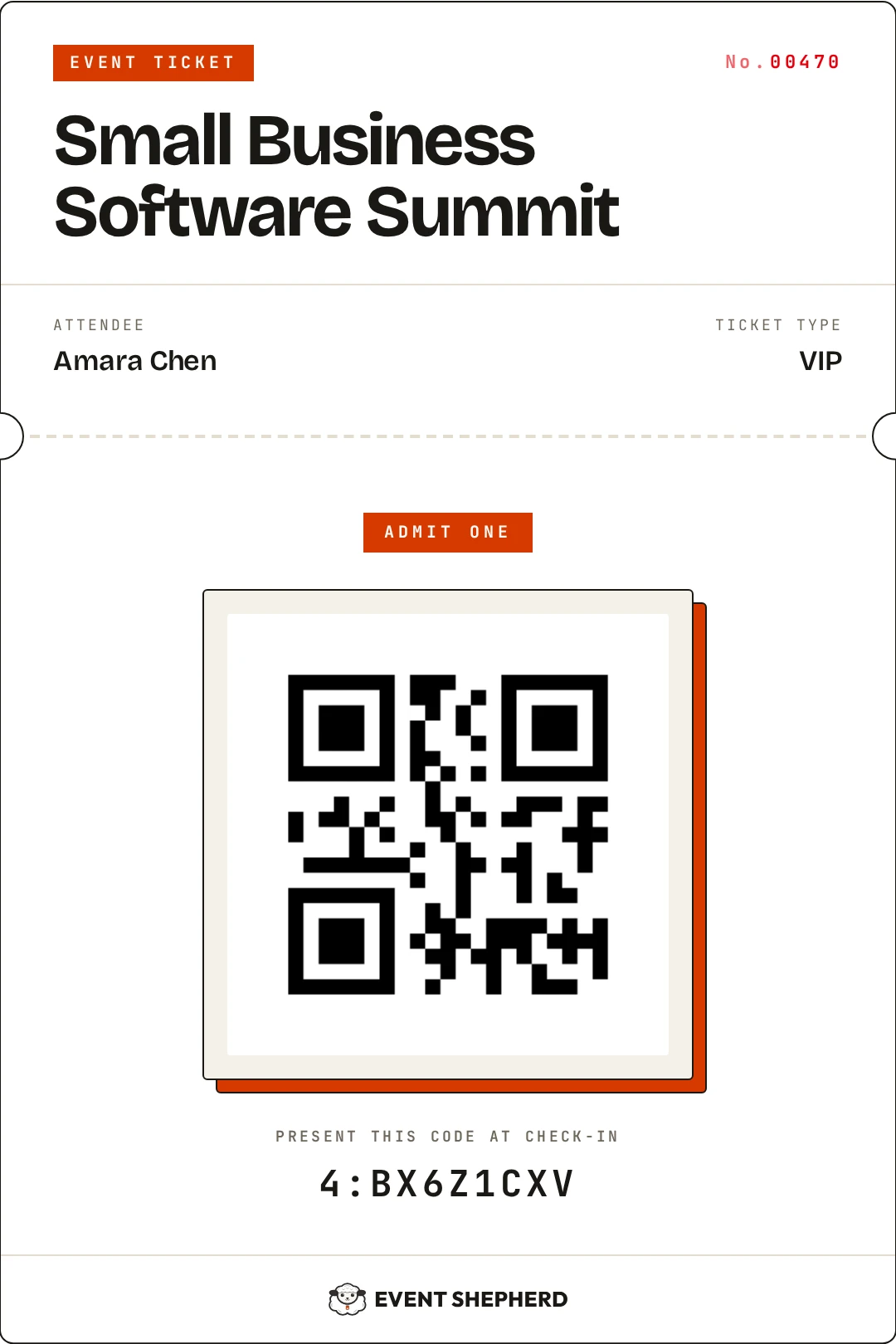
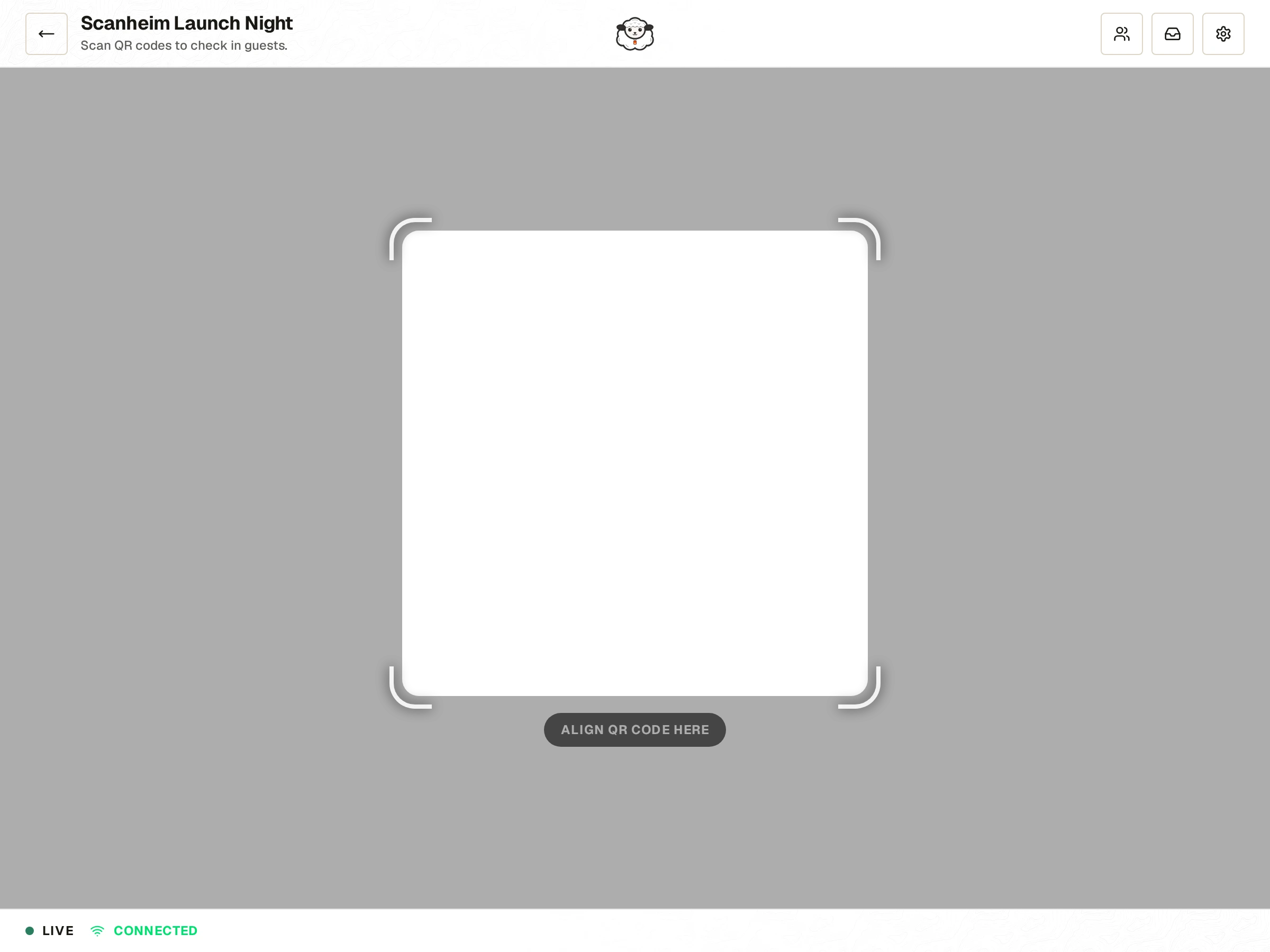
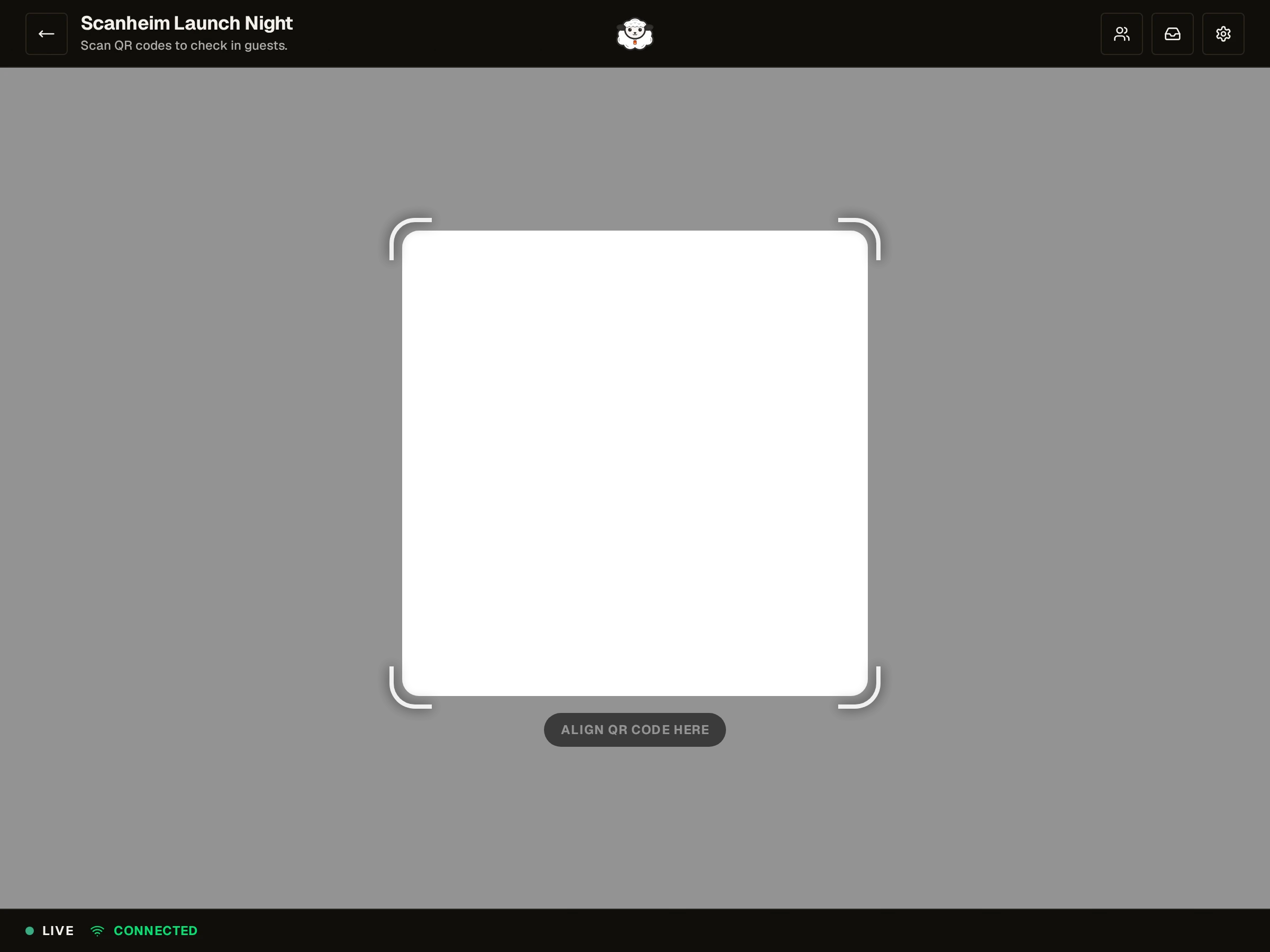
Scan with devices you already own.
Any phone, tablet, or laptop with a camera and a browser becomes a scanner. Duplicate detection catches reused tickets, and when venue Wi-Fi drops, scans queue on the device and sync once the connection returns.
Learn moreYou get paid first. We invoice later.
Sales settle straight into your own gateway account, or straight into your bank when you take payment offline.




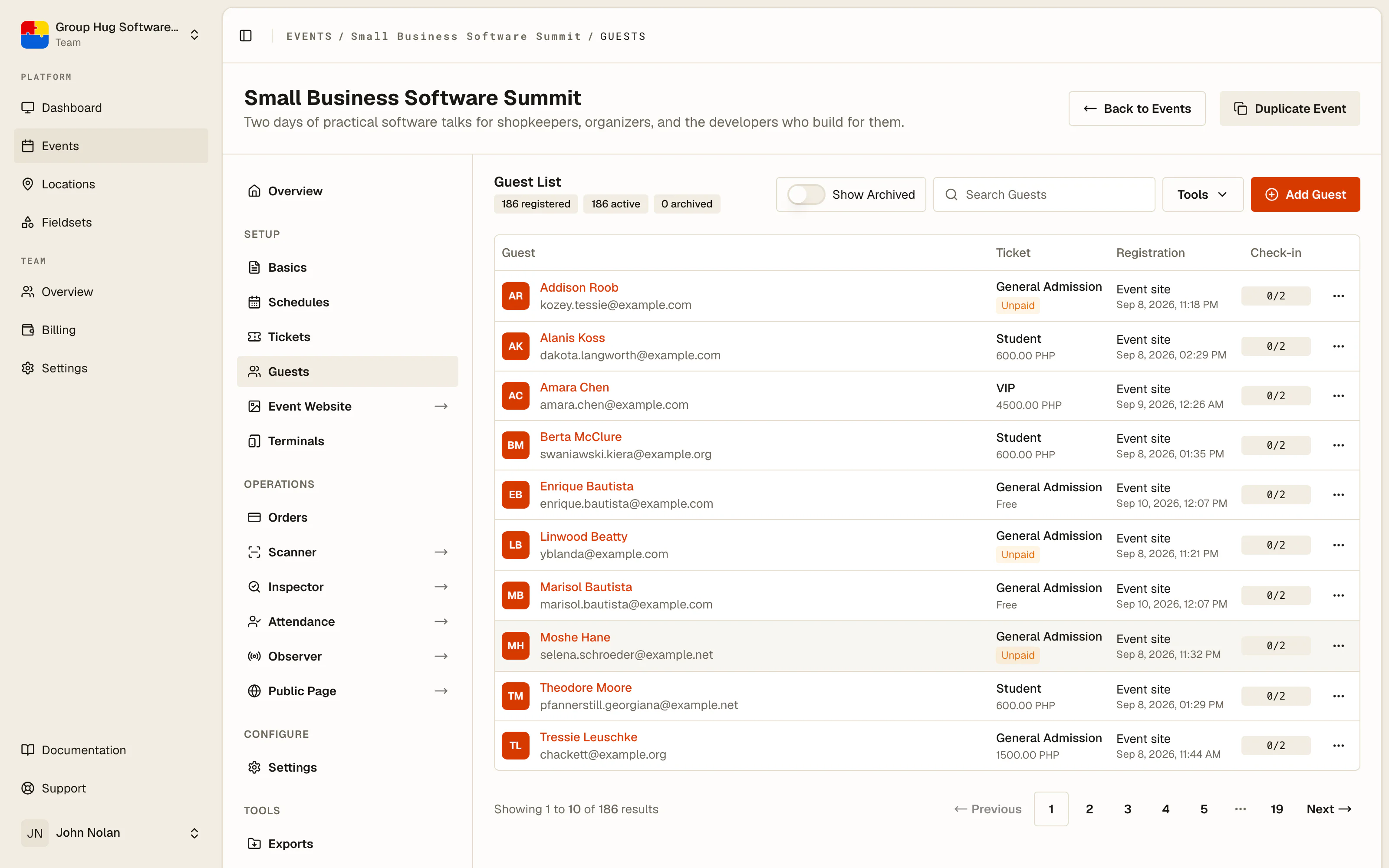
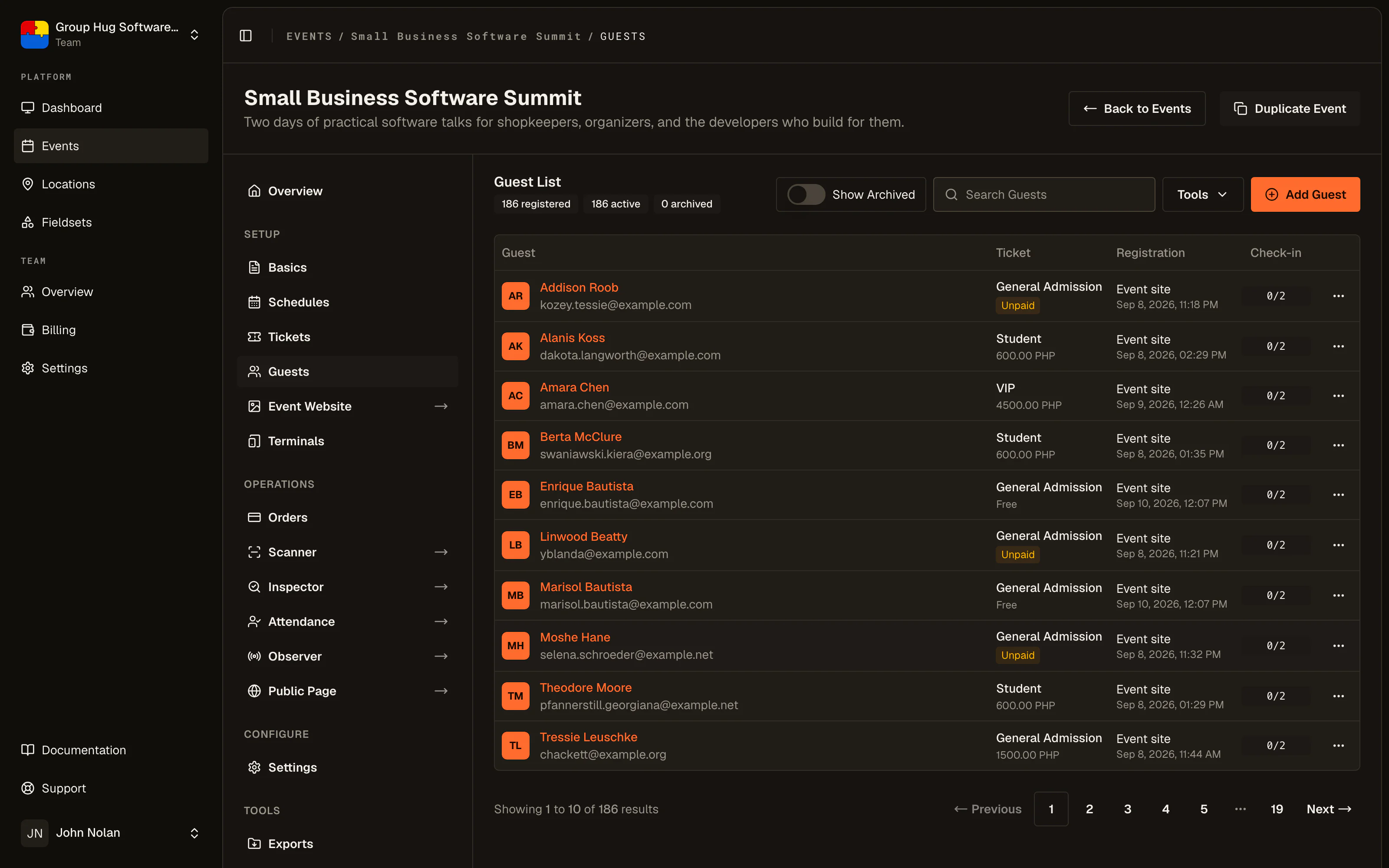
Everything between the sale and the door.
The parts of running an event that usually live in spreadsheets and group chats, handled in the same place you sell tickets.
A free event website for each event, ready to share.
A clean, shareable page with your event details, schedule, tiers, and registration. No developer, no hosting bill.
Learn moreScanning that survives with unstable connections.
When the connection drops, scans queue on the device and sync once it returns. Duplicate checks keep running locally.
Learn moreEssential reports that give you the insight you need.
Attendance, no-shows, and check-in stats for every event, with guest sheets you can export as CSV and forward on.
Learn moreOne live guest list shared across every door.
Registrations, imports, and walk-ins roll into one live list, searchable at the gate and synced across every scanner.
Learn moreOrganize guests with ticket tiers and capacity.
Set per-tier limits that stop overselling, and choose which days of a multi-day event each ticket tier is valid for.
Learn moreThere's no limit to who can be scanning at the door.
Invite your team and they scan from their own phones. Everyone works from the same guest list, updating live as doors move.
Learn moreOnly pay when you sell.
A straightforward commission on tickets sold through your own payment gateway, and nothing else. Money you take offline or at the door is free. No recurring costs, no setup fees, no surprises.
No commission on a free event, not now and not later. Unlimited tickets, guests, scanning, and reports are all included. No monthly fee and no card required.
Per ticket sold through your connected gateway. Bank transfers and door sales are free. No monthly fee, no setup cost, and nothing extra when an event sells out.
Frequently asked questions.
The things organizers ask before their first event. Anything else, the answer is one email away.
Is it really free?
Yes. Free events are free forever, with unlimited tickets, guests, scanning, and reporting included. We only earn a commission on tickets sold through a payment gateway you connect, and nothing at all on money you take offline or at the door.
Who holds the money?
You do. Buyers pay through your own connected payment gateway, so funds land in your account the moment a sale happens, or they pay you directly by transfer and send proof for you to confirm. Either way we never hold, route, or delay a cent of your revenue.
What do I need to scan tickets?
Any phone, tablet, or laptop with a camera and a web browser. Your crew signs in and scans from the devices they already own. No app installs, no dedicated scanners, no rentals.
Does scanning work offline?
It is offline-tolerant. If venue Wi-Fi drops, scans queue on the device and sync automatically once the connection returns. Duplicate checks keep running against the local guest list.
Do guests need an app or an account?
No. Tickets arrive by email as a QR code with a PDF attached. Guests just show it from their inbox at the door, and can have it resent from the event website whenever they need it.
Can I add guests at the door?
Yes. Add walk-ins from the guest list in seconds, or import a batch before doors open. They get their QR tickets by email instantly and show up on every scanner right away.
Your events deserve better tools.
Sign-up forms and spreadsheets have taken enough of your time. Set up your next event on tools built for the job.