Activating payments.
The one-time switch, and the currency it settles for good.
Everything to do with money on this platform waits on one switch, thrown once per team. This page is what it does, what it settles permanently, and what you can do without it.
What activation is
Open Team settings > Billing. The first page of that section is Payments, and it is where a team turns money on.
Activation is one decision: the currency your team bills and prices in. Choose it from the dropdown, press Activate payments, and it is done. That also opens a billing account for us to address a fee invoice to. It costs nothing to switch on. There is no recurring price, no minimum, and no switching it off again.
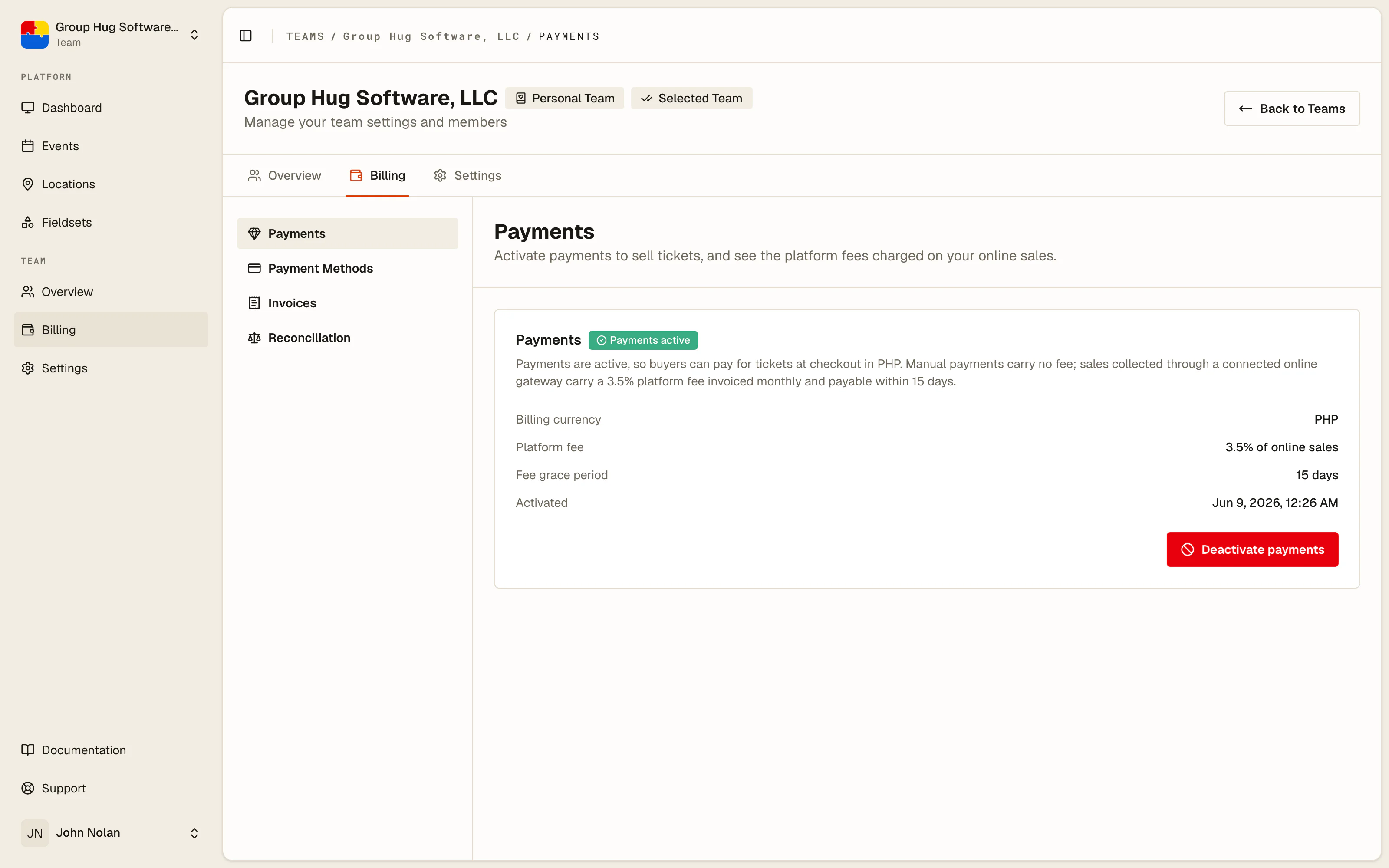
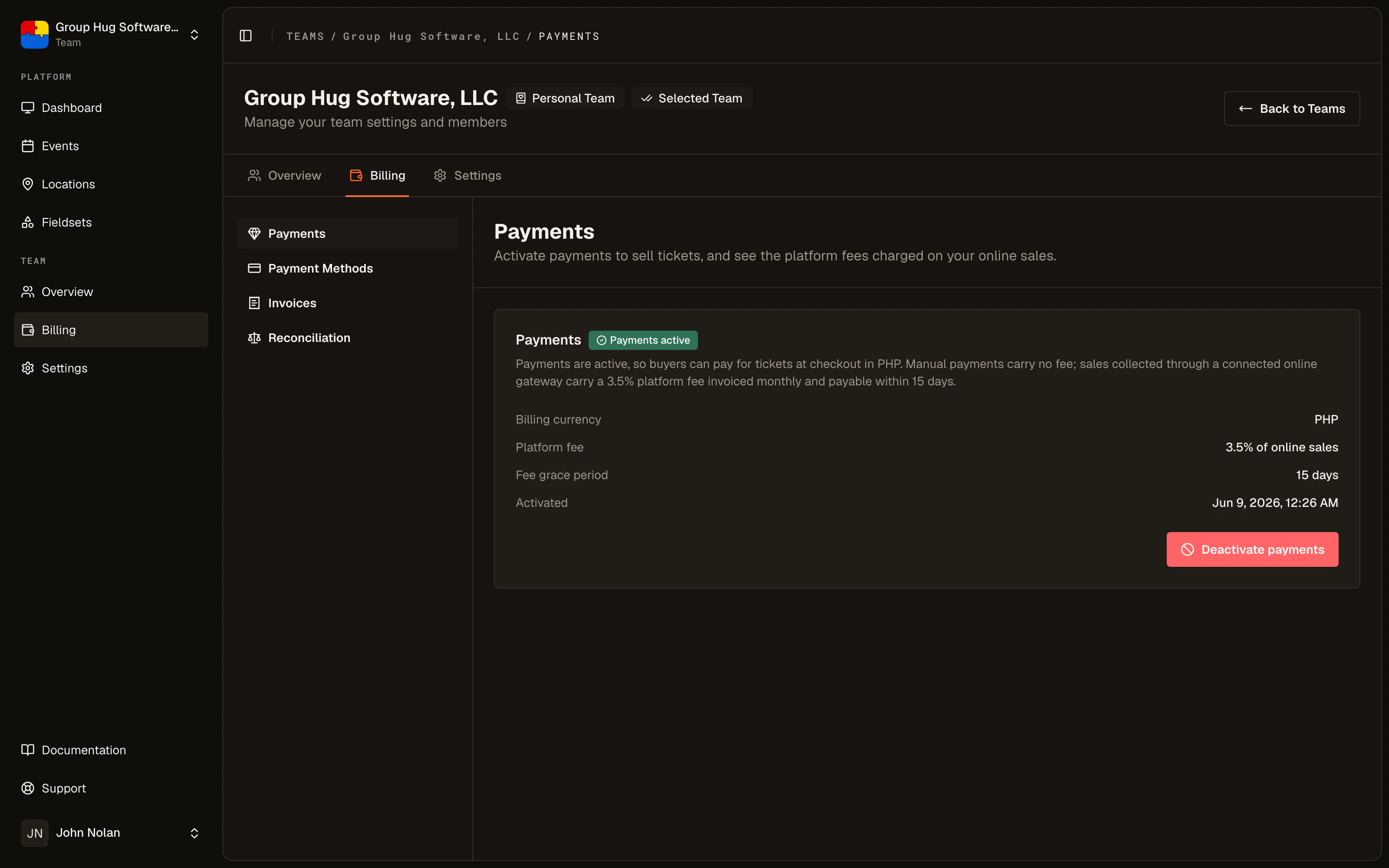
Only a team administrator or the team owner can activate payments. An editor who needs a priced tier has to ask.
The one thing it settles for good
You choose the currency your team bills and prices in, and that choice is permanent.
It cannot be changed afterwards for two reasons that are not ours to overrule. Your billing account is pinned to the currency of its first invoice, and every order on the platform is a record of money somebody actually paid. Rewriting either would make the books say something that did not happen.
Any ticket tiers you already built are repriced into the chosen currency in the same moment, keeping their number of minor units. A tier entered as 150000 before activation reads 1,500.00 in your currency afterwards.
What works without activating
More than people expect. A team that never activates can still run its events end to end:
- free ticket tiers, in any number, with stock limits and fieldsets
- unlimited guests, imports of unpaid guests, and the whole guest list
- QR tickets, badges, scanning, terminals, the door desk and the inspector
- the event website, registration questions, exports and reports
Nothing about a free event is held back. If you never sell a ticket, you never need this page.
What activation unlocks
Everything that names an amount of money:
- putting a price above zero on a ticket tier
- offering any payment method at checkout, bank transfer included
- recording a payment or a refund against an order
- importing guests who have already paid
Until then each of those is refused for the same reason, which is the fastest way to recognize the cause: a team without a currency has nothing to write an amount down in.
Suspension for an unpaid invoice
If one of our invoices goes past its due date, we suspend the team's payments until it is paid.
Suspension closes new money only. Checkout stops offering payment methods, no new priced tickets can be sold, and no payment method can be connected or changed. It never touches money already taken: orders settle, tickets go out, refunds work.
Paying the invoice lifts it, with nothing for you to press. The daily check that suspends is the same one that restores.
Last reviewed September 10, 2026