Orders.
One registration's money: paid, outstanding, refunded.
Every registration has an order behind it, including a free one worth nothing. Orders on an event is where that money lives: what was bought, what was paid, what was refunded, and what is still outstanding.
What an order holds
Three things.
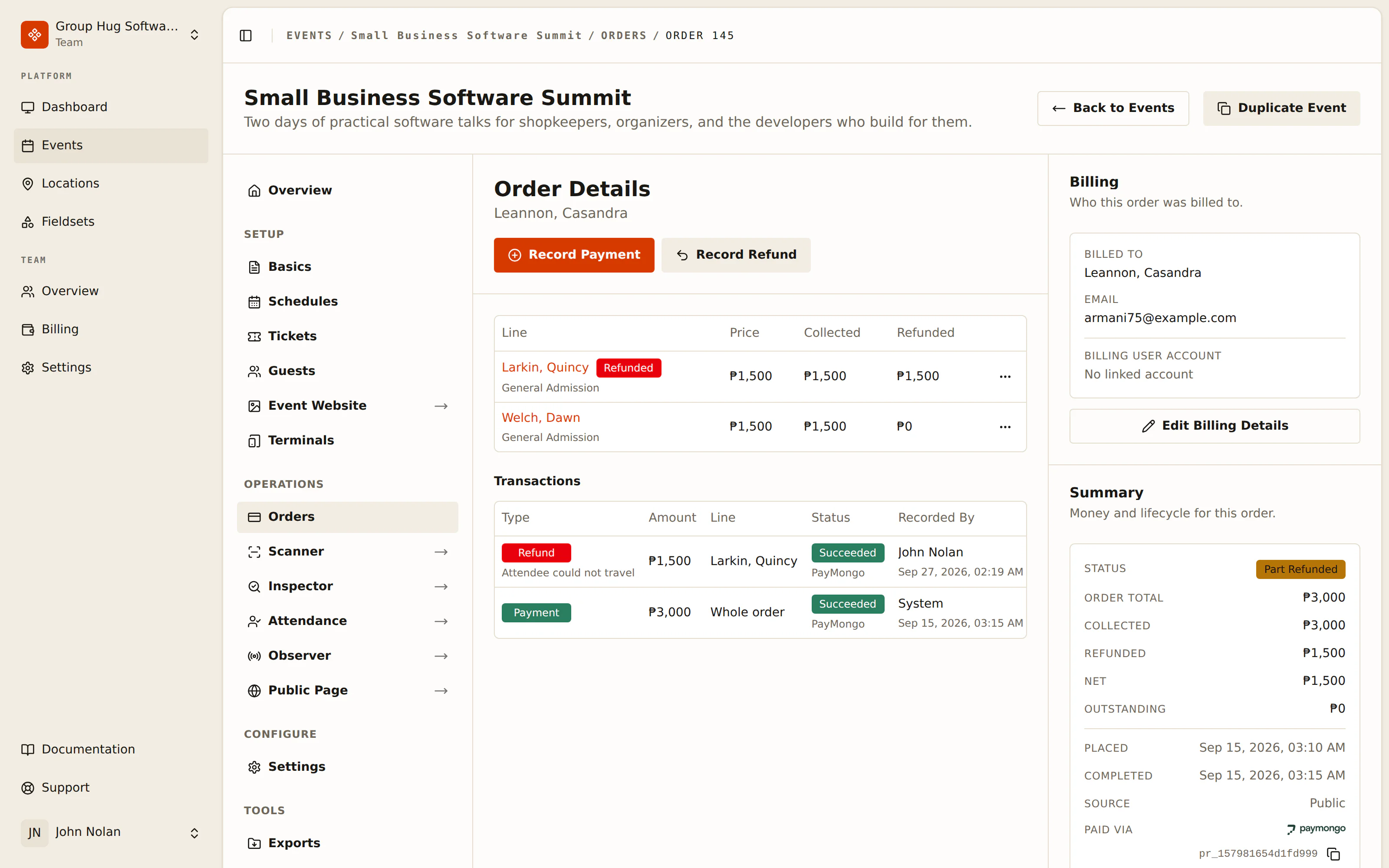
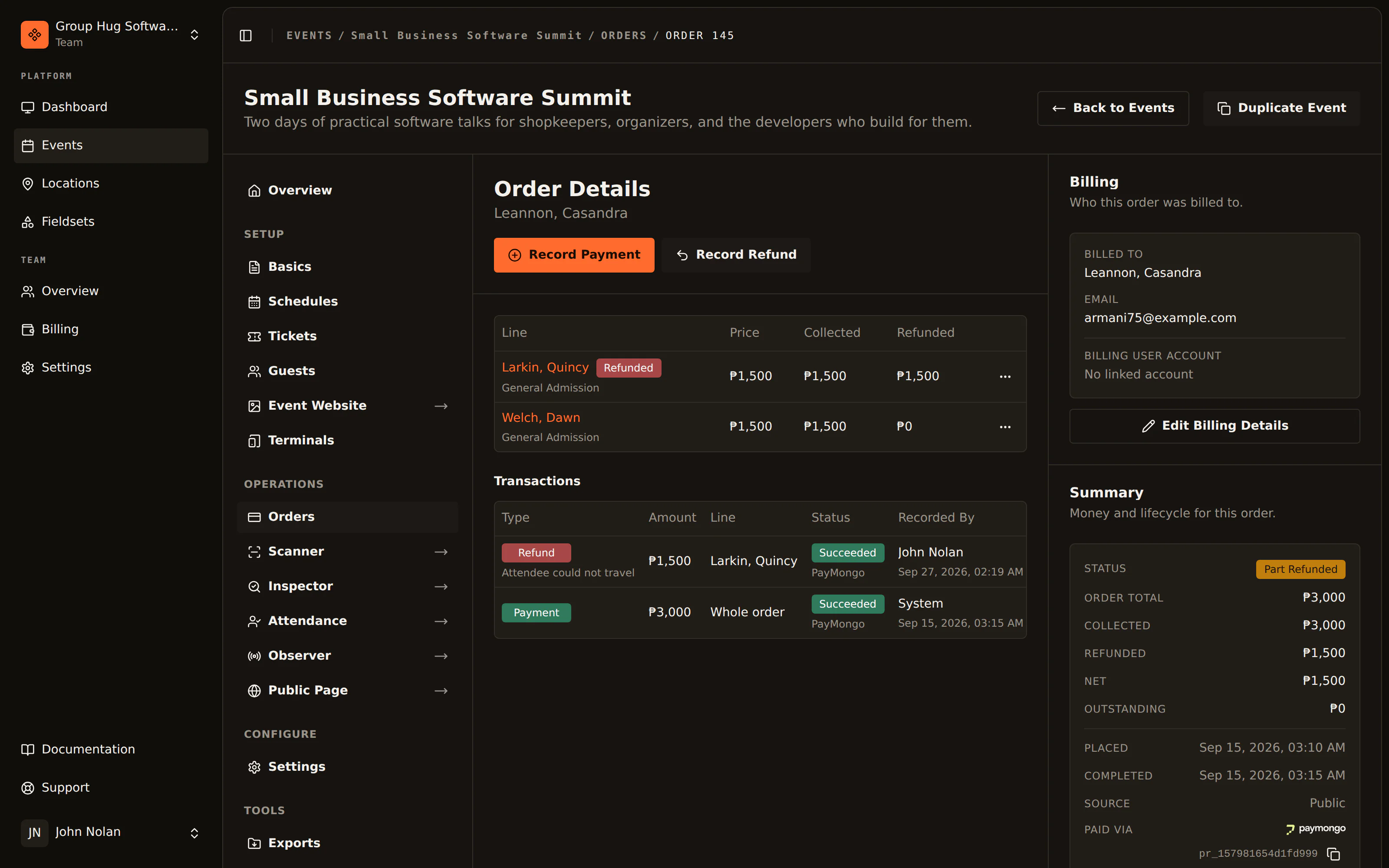
Lines. What was bought. One line per attendee on the registration, each naming the ticket tier and its price.
Transactions. What moved. A payment is a debit, a refund is a credit, and each carries its status, the method it went through, who recorded it, and the provider's own reference where there is one.
The billing contact. Who was billed, and the address every mail about this order goes to. Not always an attendee.
Finding it in your gateway
Money that went through a connected gateway carries the provider's own id, named after the provider: a Xendit ID, a PayMongo ID or a Stripe ID. Paid Via in the order summary shows the payment's, and every transaction shows its own when you open it with View payment or View refund. Copy it with the button beside it and search your provider's records for it. On Xendit, a payment's id is the invoice the buyer paid through, because that is how Xendit's own dashboard knows it.
View in and the provider's name opens the same payment in the provider's own dashboard, in a new tab. On Xendit that is the invoice's page. Be signed in there to the account that holds the money, the one you connected under payment methods, or the provider has nothing to show you. A refund's link reads View payment in instead and opens the payment the refund came out of, because none of the providers gives a refund a page of its own. A refund your provider has given no id reads Not issued yet while it is still pending, and None recorded once it has failed without one. For that failed refund, the payment the link opens is where to check whether the money went back. Where the provider has no page to open, you get the id without the link.
Reading the list
The Orders list shows who each order was billed to, its status, its total, what has been collected, what has been refunded, and when it was placed. What is still outstanding is on the order itself.
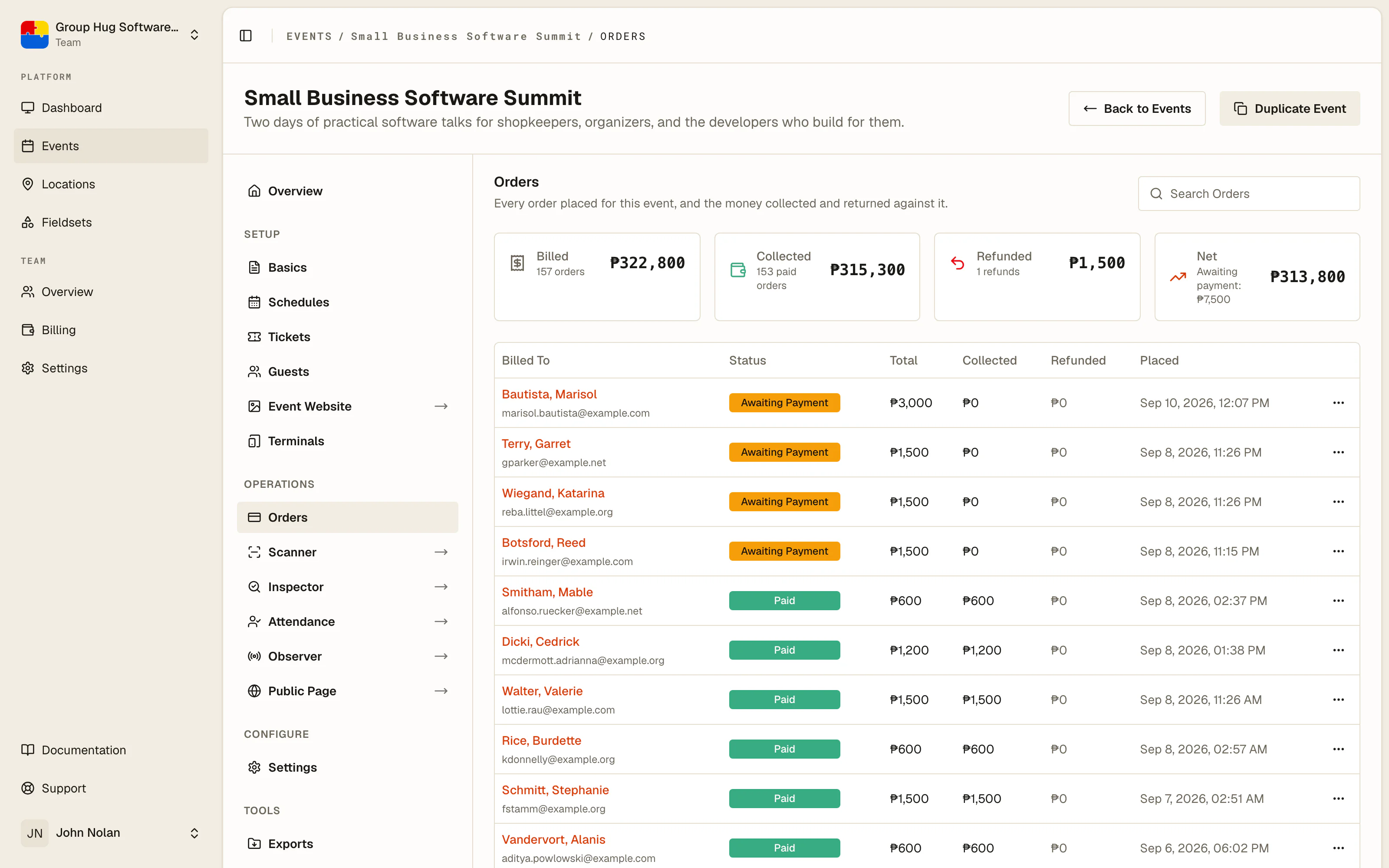
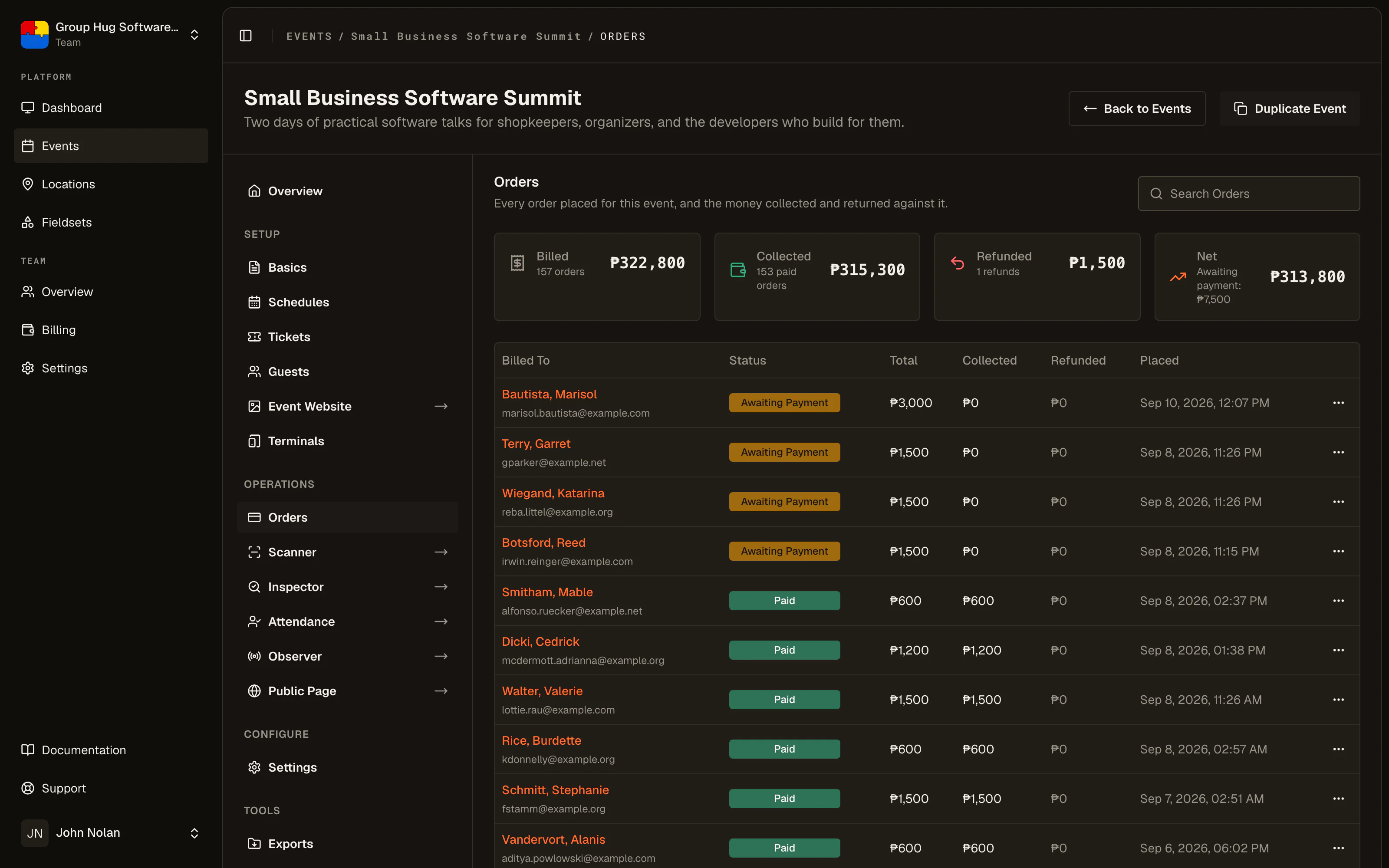
The status is the state of the money, not of the guest: awaiting payment, free, paid, part refunded, refunded, rejected or expired. A guest whose order is not paid holds no ticket, whatever else is true about them.
To take every order away as a spreadsheet, open Tools, then Exports..., and request an Order Sheet (CSV): one row per attendee, with the order, its billing contact and its money on each. See exports.
To find the order behind a guest, search by the billing contact's name or email. One order can cover several attendees, so the guest you are looking at may not be the person the order is named for.
Confirming an offline payment
An order paid through instructions you published sits waiting for you.
Open it and press Confirm Payment on the pending payment. Check the proof of payment the buyer sent first, if they sent one; the dialog warns you when none was uploaded, because at that point you are confirming from your own bank statement rather than from anything on screen.
Confirming settles the order, marks its guests paid, and sends the tickets.
Rejecting one
Reject Payment turns the payment down and closes the order.
You pick a reason, and the reason is emailed to the buyer in words they can act on: the amount does not match, no matching transfer was found, the proof could not be read, or none of those. You can also write a note, and the note stays with your team. The buyer never sees it.
Rejecting does not delete anybody. The guests stay on the event, unpaid and without tickets, because a rejection is a statement about money and erasing the people who registered would destroy the only evidence of what happened. The buyer is told that registering again is the way back in while tickets remain.
Three more actions
Set price. A line on an order that is still free can be given a price. It can be set once and the line cannot be edited afterwards, so read it back before you save.
Record Payment. Money you took outside the platform, written down against the order so the books match reality. Use it for a transfer that landed in your account, or cash you took in the room.
Record Refund. Money going back. How it behaves depends on how it arrived, which is covered in refunds.
All three of these need payments activated, because each of them names an amount and a team without a billing currency has nothing to write it in.
Every amount you type is in your currency's minor units, the same as a ticket price. A price of 1,500 is entered as 150000. Every field names the unit for your billing currency and reads your figure back as money while you type it. A refund line tells you how much is still refundable, in minor units and in money.
What the buyer sees
The same order, from the other side. Their acknowledgment email links to a public status page showing where the order stands, what is outstanding, and your payment instructions if they still owe you.
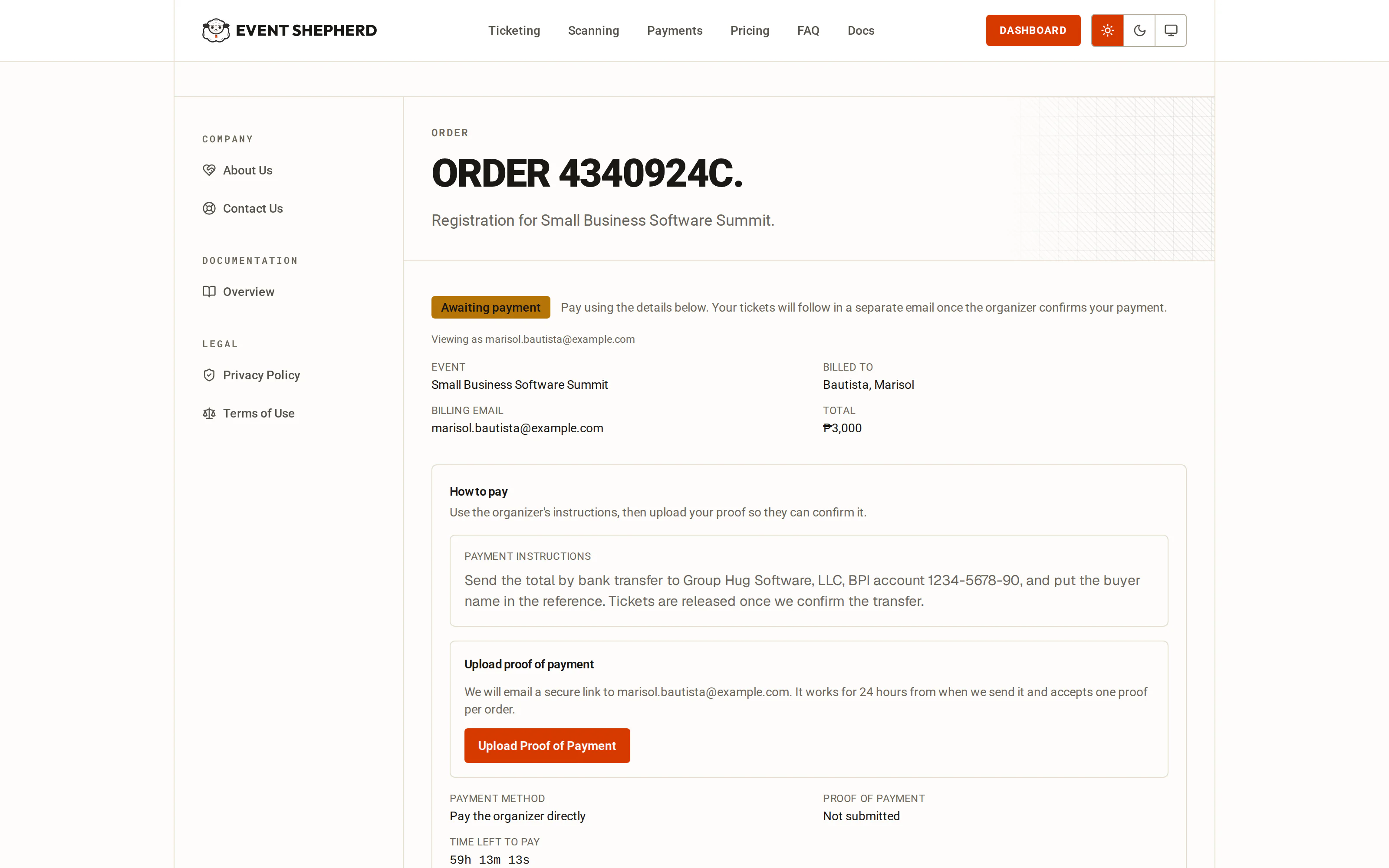
That page is also where they ask for an upload link so they can send you proof of payment. The link goes to the address the order was billed to, which is what keeps the upload with the person who paid. An order carries one proof.
Last reviewed September 10, 2026