Creating an event.
Start from scratch, or duplicate an event you have already run.
Everything you run starts here. An event owns its schedules, ticket tiers, guest list, terminals and public page, and belongs to whichever team is selected in the sidebar.
Creating an event
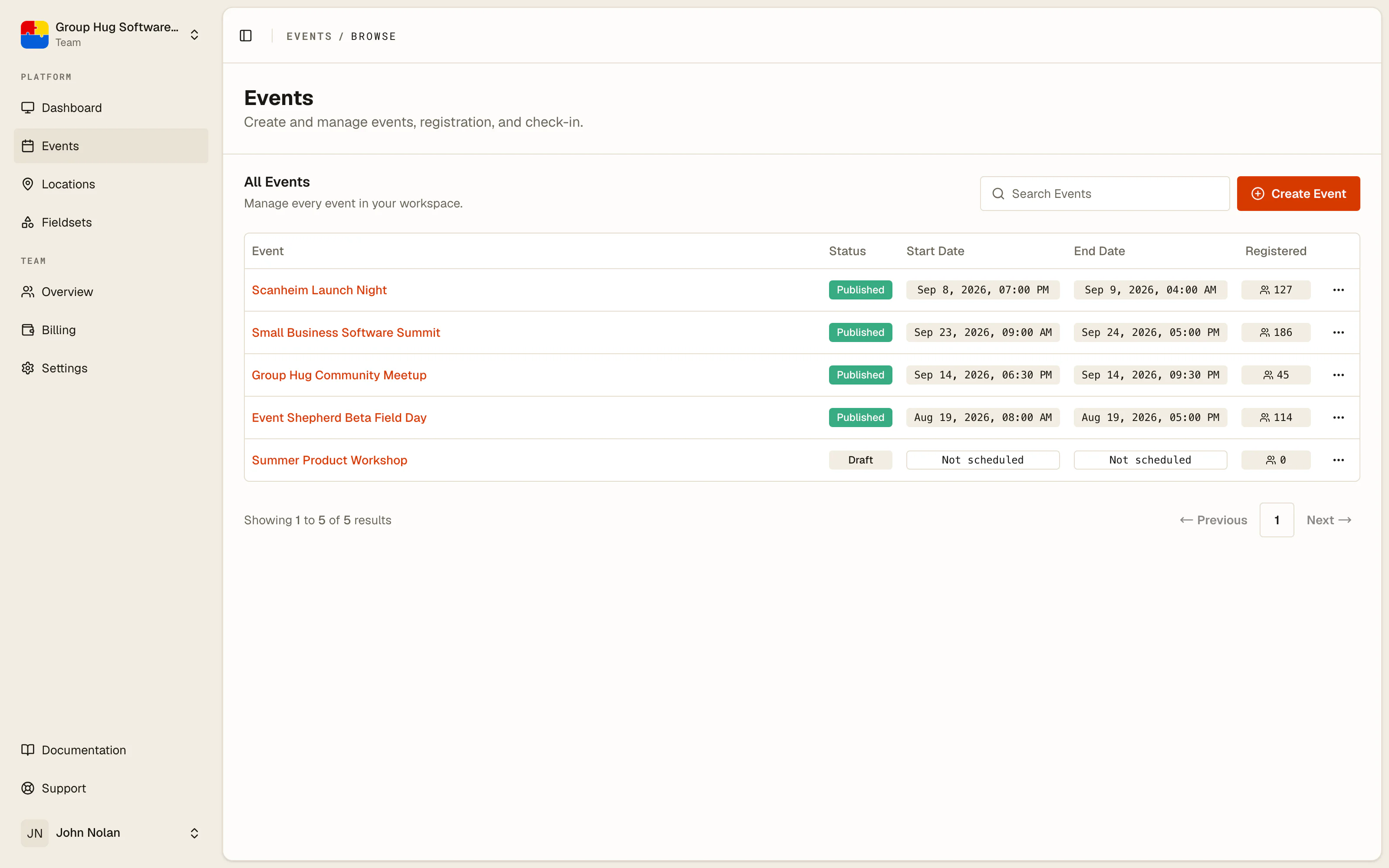
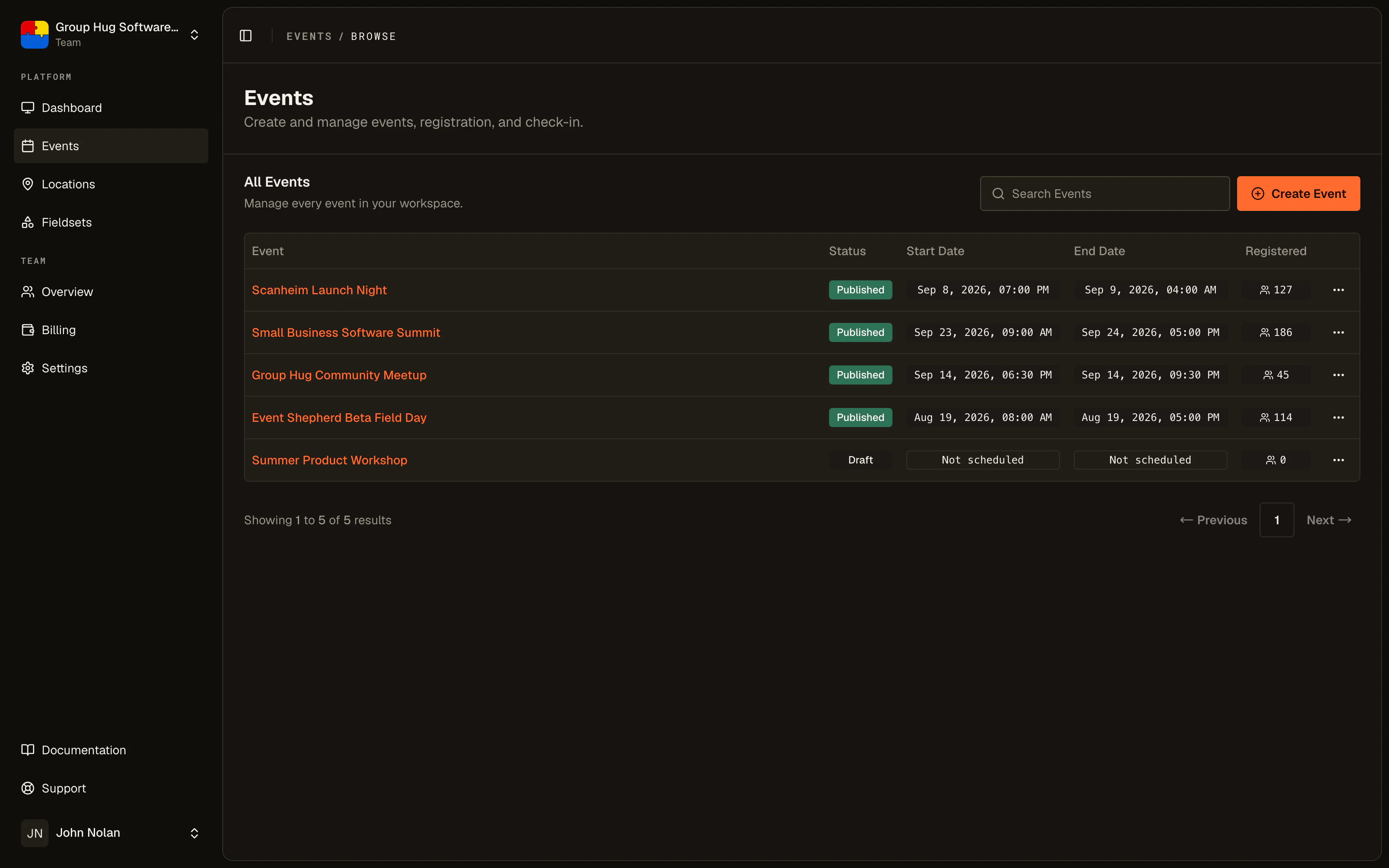
Open Events and choose Create Event. The form asks for two things, and only the first is required.
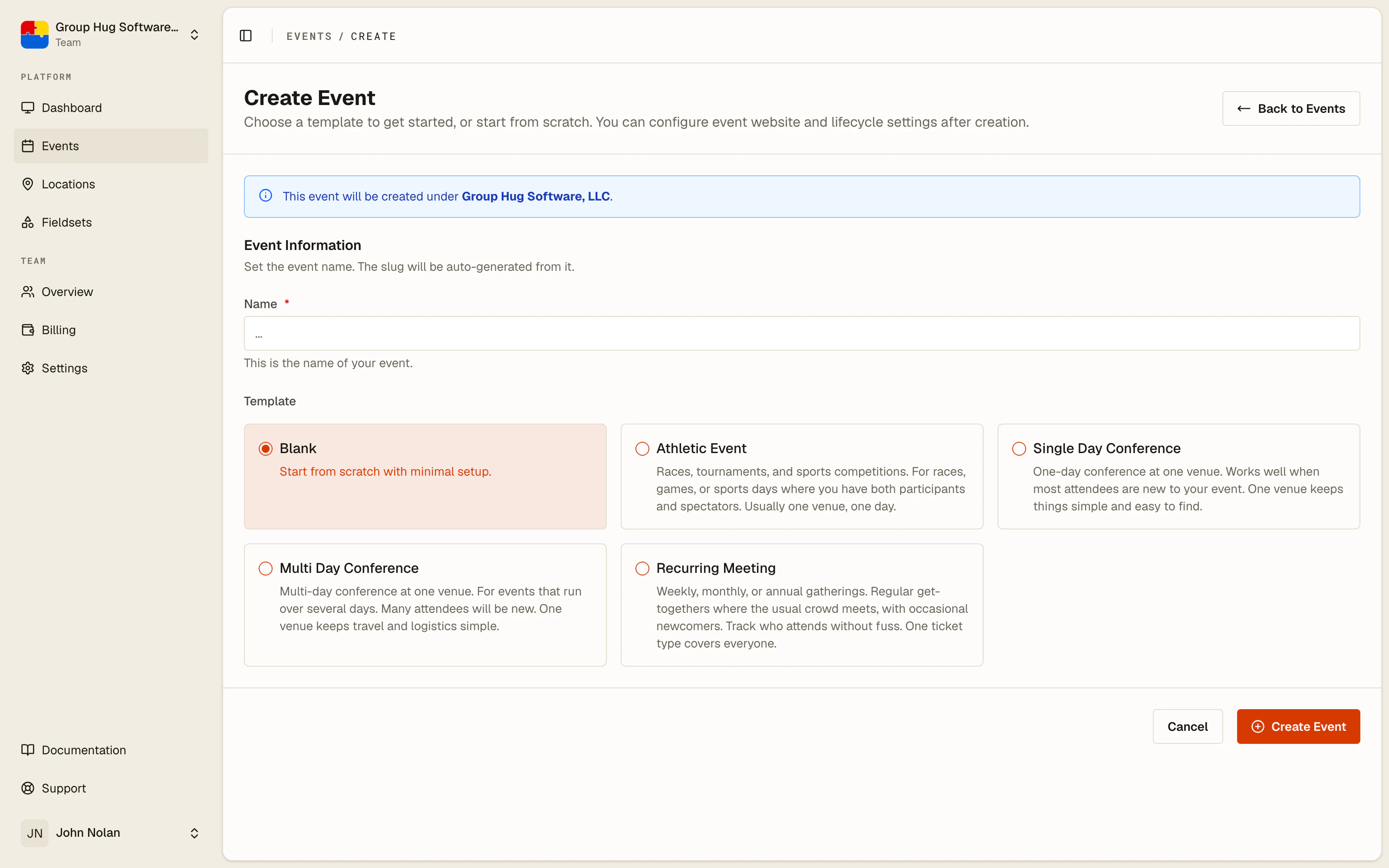
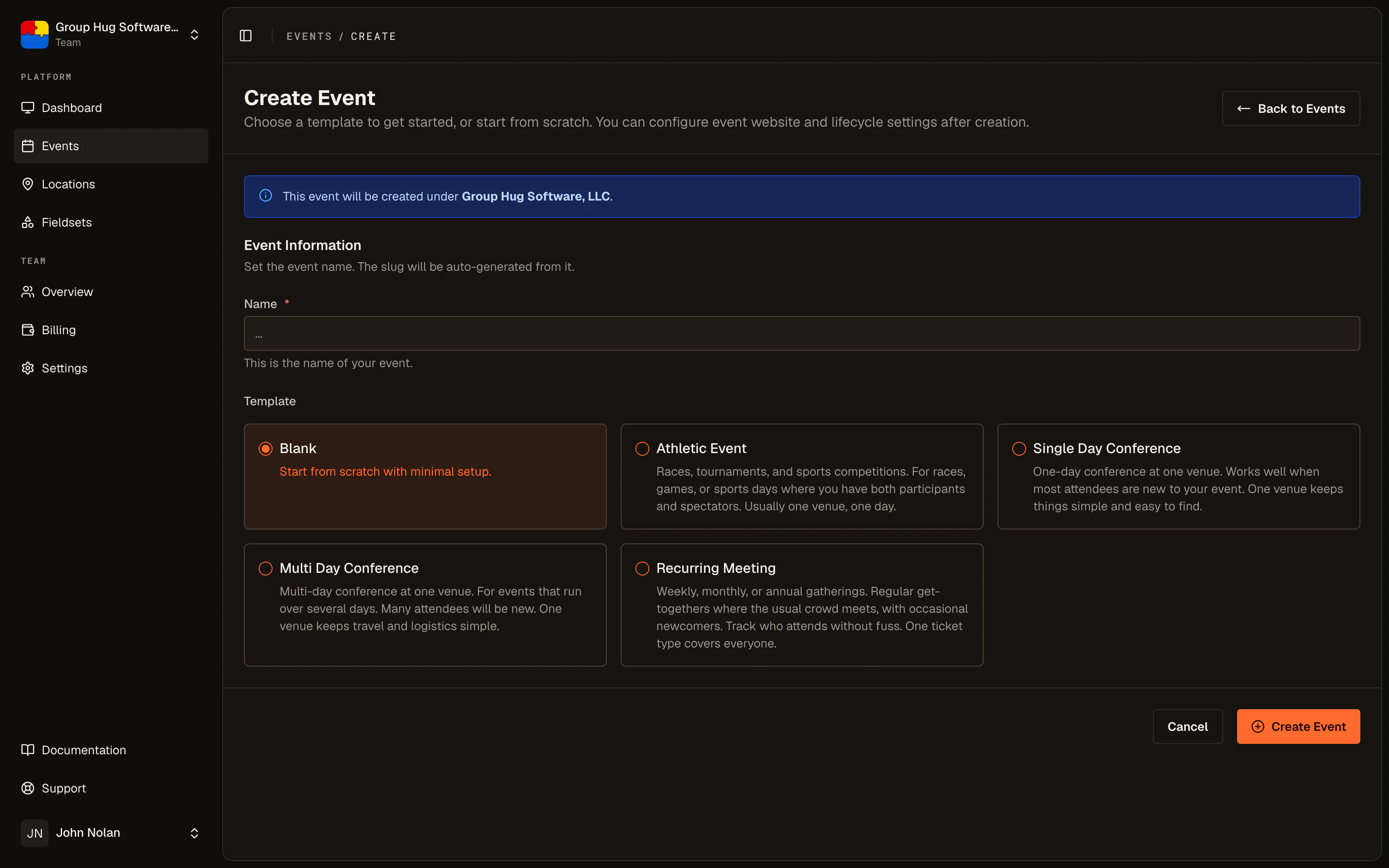
Name is what guests see. The event gets a random web address when it is created, such as /event/aB3xQ9LmT2vK. Change it to something readable under Event Website > Settings > Web address before you share it. See the event website.
Template decides what the event starts with:
- Blank creates an event with nothing in it. No tiers, no schedules, nothing to delete. The checklist on the Overview page is your guide from there.
- Athletic Event, Single Day Conference, Multi Day Conference and Recurring Meeting each create a starting set of ticket tiers and schedules matching that shape. A multi-day conference, for example, arrives with day tiers, an all-access tier, and a schedule per day.
A template is a head start, not a commitment. Rename what it gave you, delete what you do not want, add what is missing.
Duplicating an event
From an event's row menu on the Events list, choose Duplicate Event. This is the fastest way to run the same event again.
On the page that opens, name the copy (it starts as Your Event (Copy)), choose which parts to carry over under What to Copy, and set new dates for each schedule. The copy is created as a draft with its own web address.
It always brings the description and full details. Under What to Copy you choose whether it also brings:
- the event website design
- every ticket tier, with its price, stock, fieldset and active state
- every terminal
- every schedule, along with which tiers and terminals were attached to each one
It deliberately does not carry over your guest list, any attendance history, or the published date. You get the setup, not last year's people.
After duplicating, the two things worth changing immediately are the name and the schedule dates.
Deleting an event
Deleting is limited on purpose. You can delete an event only if you are an Administrator of the team, and only if the event has never had a guest on it, including guests that were deleted later.
Once one person has registered, the event holds a record of a real transaction with a real human, and the platform will not let you erase it. If an event is not going ahead, close registration and mark it cancelled rather than trying to delete it.
That leaves deletion for what it is actually good for: clearing away a test event or a duplicate you made by mistake.
What to set up next
- Fill in the basics so the page reads like your event.
- Add your schedules so people know when to turn up.
- Set up ticket tiers so they have something to register for.
Last reviewed October 6, 2026